
Features
What Evidik does today
Ten features tested on the demo database. The screens are real, the data is for demonstration.
1
The “My day” desk
The accountant sees the whole day on one screen.
- Drafts, overdue invoices, bills to pay
- Tax calendar for the year
- Flat-rate and VAT limits
2
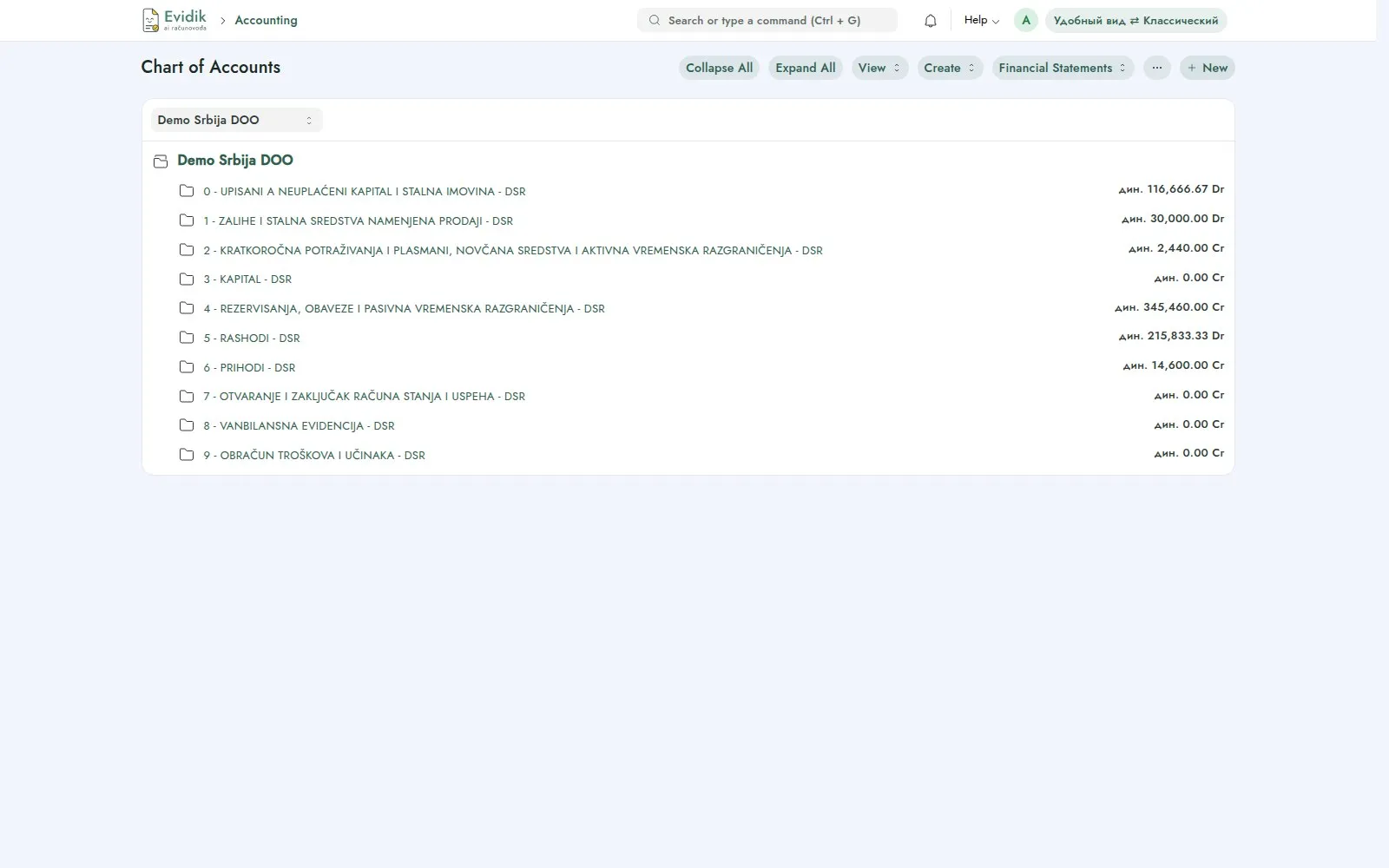
Chart of accounts 89/2020
The program sets up the chart of accounts when a company opens.
- Classes 0–9 by Serbian rules
- Balance for each account
- Groups collapse and expand
3
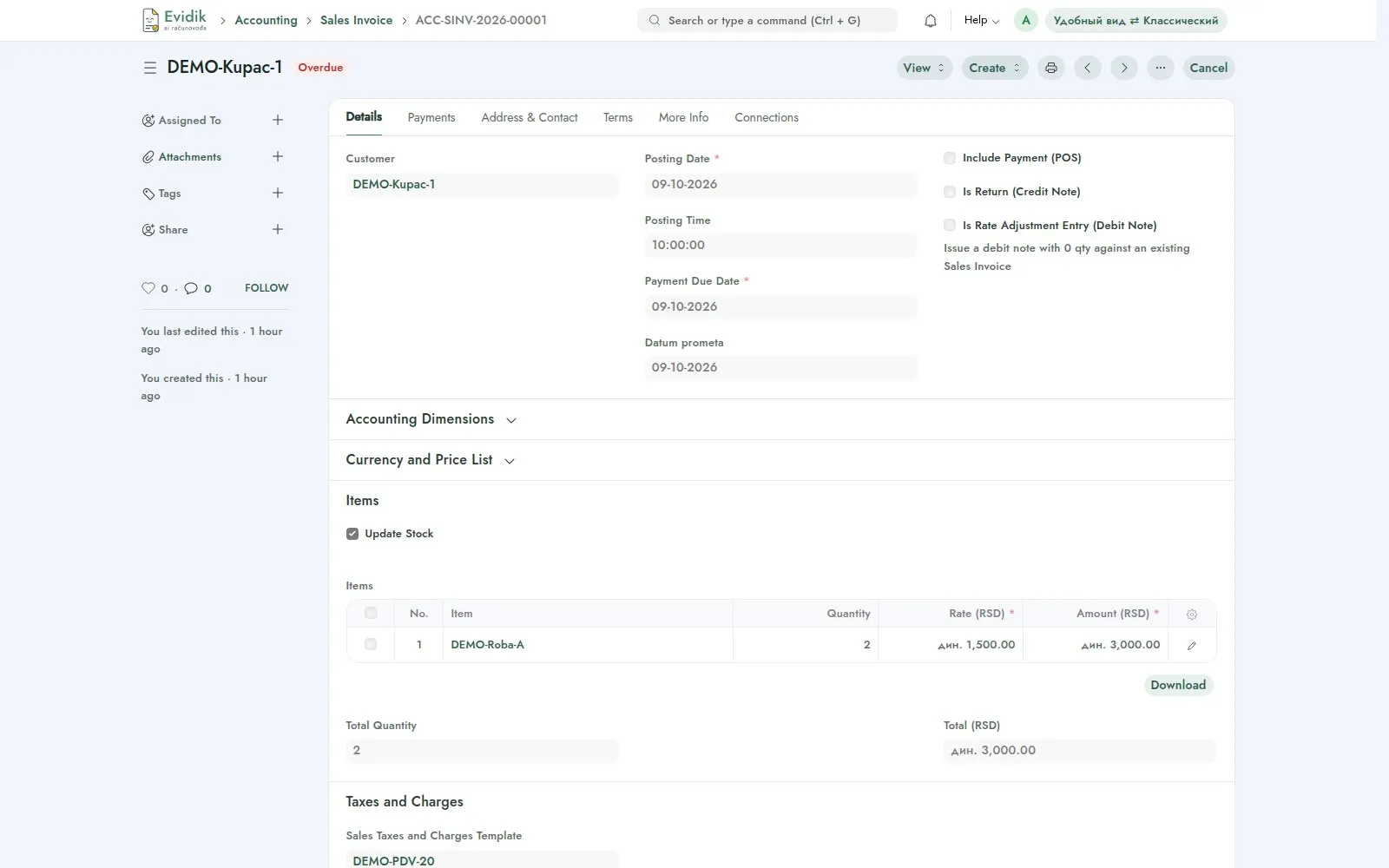
Sales with VAT and SEF
A customer invoice with 20 % or 10 % VAT and the date of supply.
- SEF submission: UBL 2.1 + CIUS-RS
- Schema check before sending
- Returns and overdue invoices
4
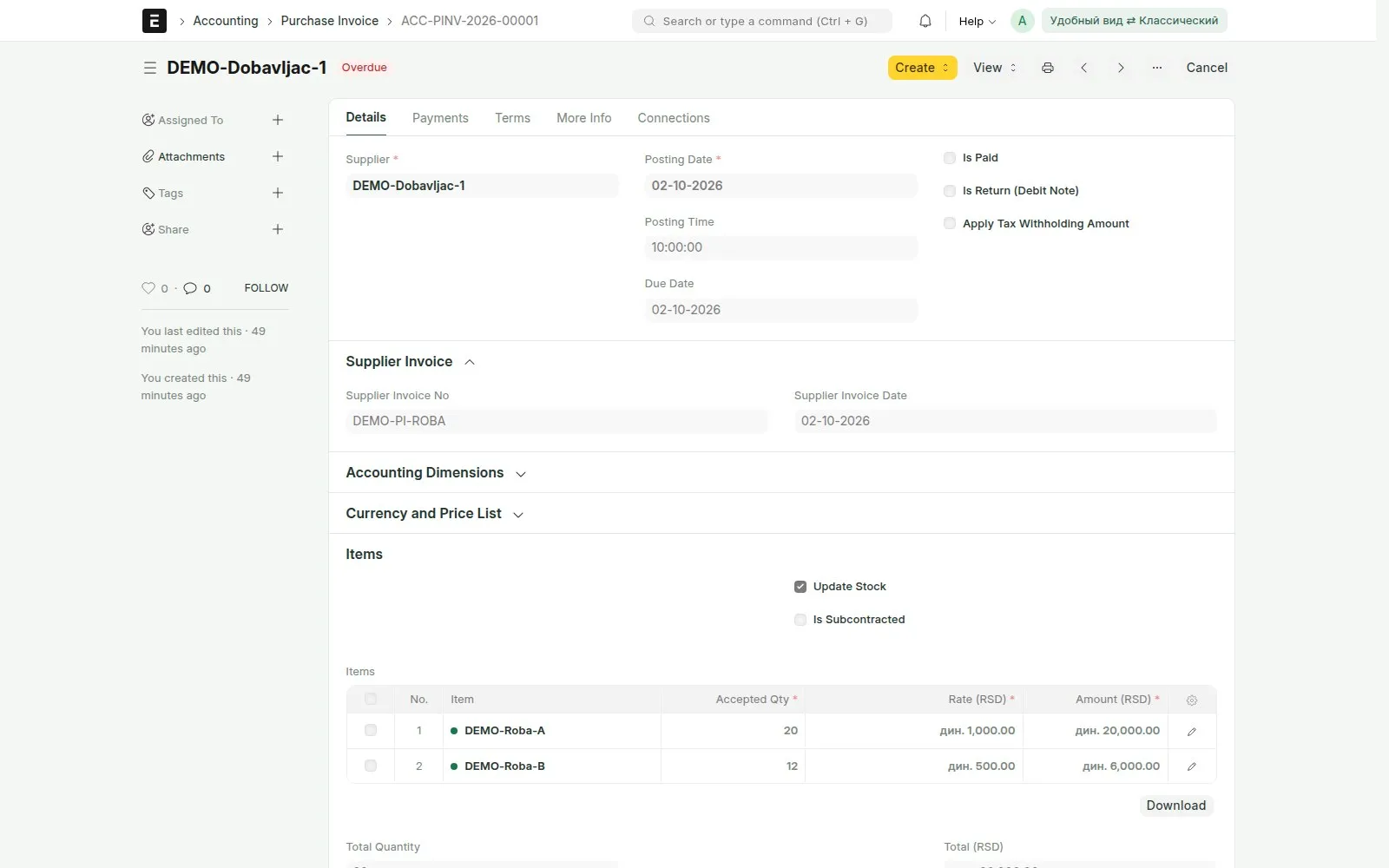
Purchases
A supplier invoice with VAT and goods receipt.
- Supplier invoice number and date
- Goods received into stock
- Bills to pay on the desk
5
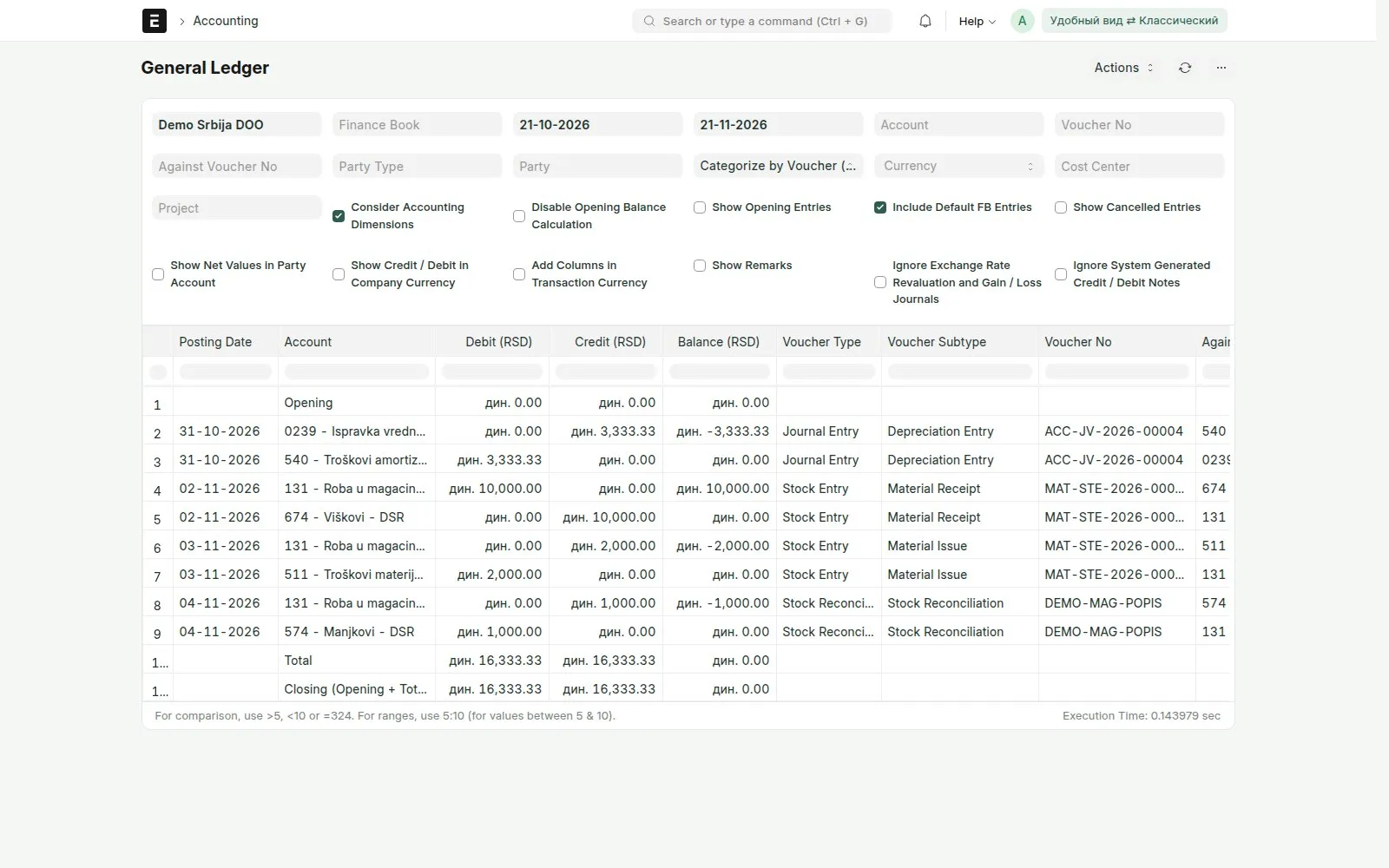
General ledger
All postings for a period, filtered by account and partner.
- Filter by account, partner, document
- Open the document from a row
- Opening and closing balances
6
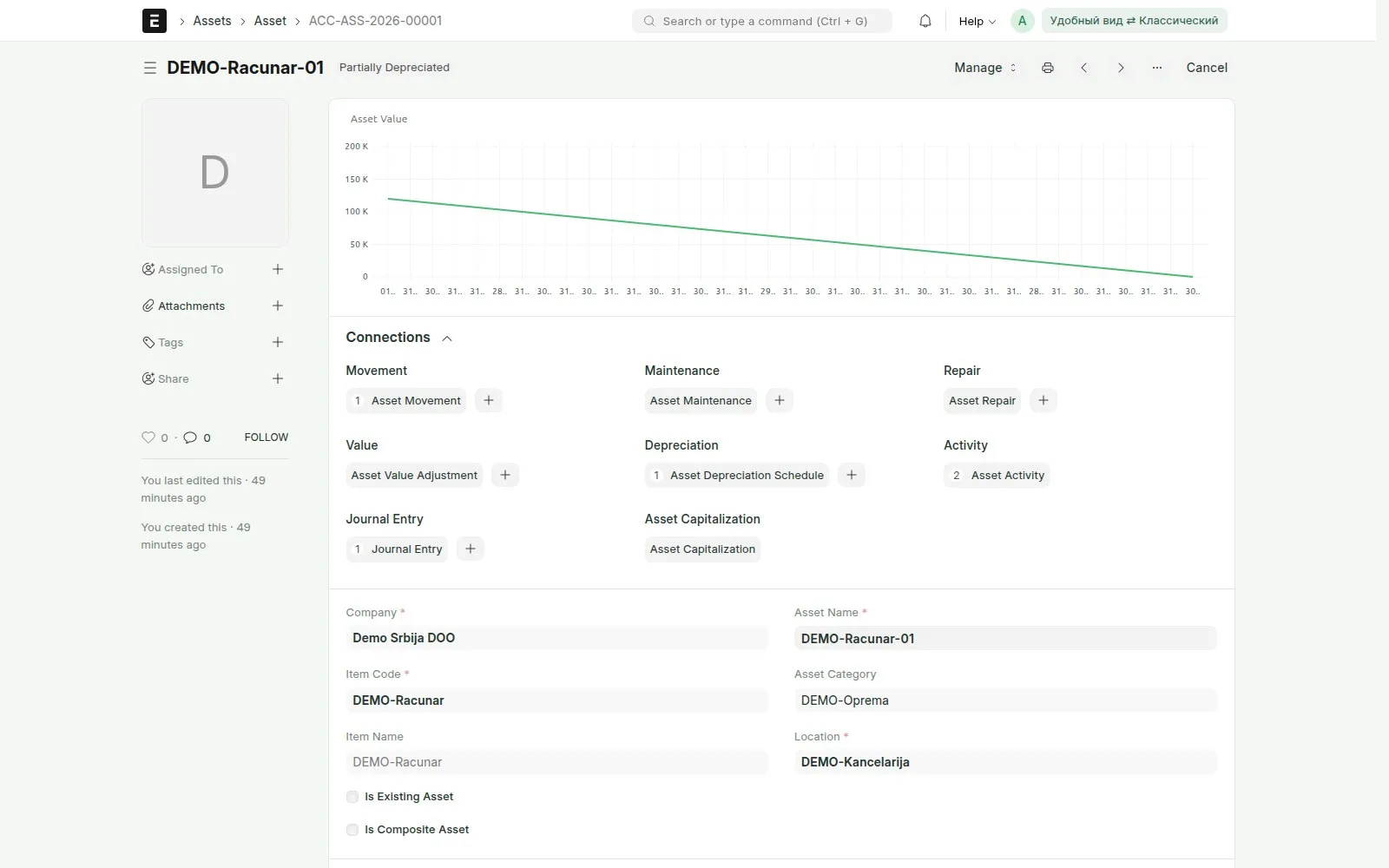
Fixed assets
A fixed asset card and a depreciation schedule.
- Putting into use
- Depreciation on schedule
- The program makes the postings
7
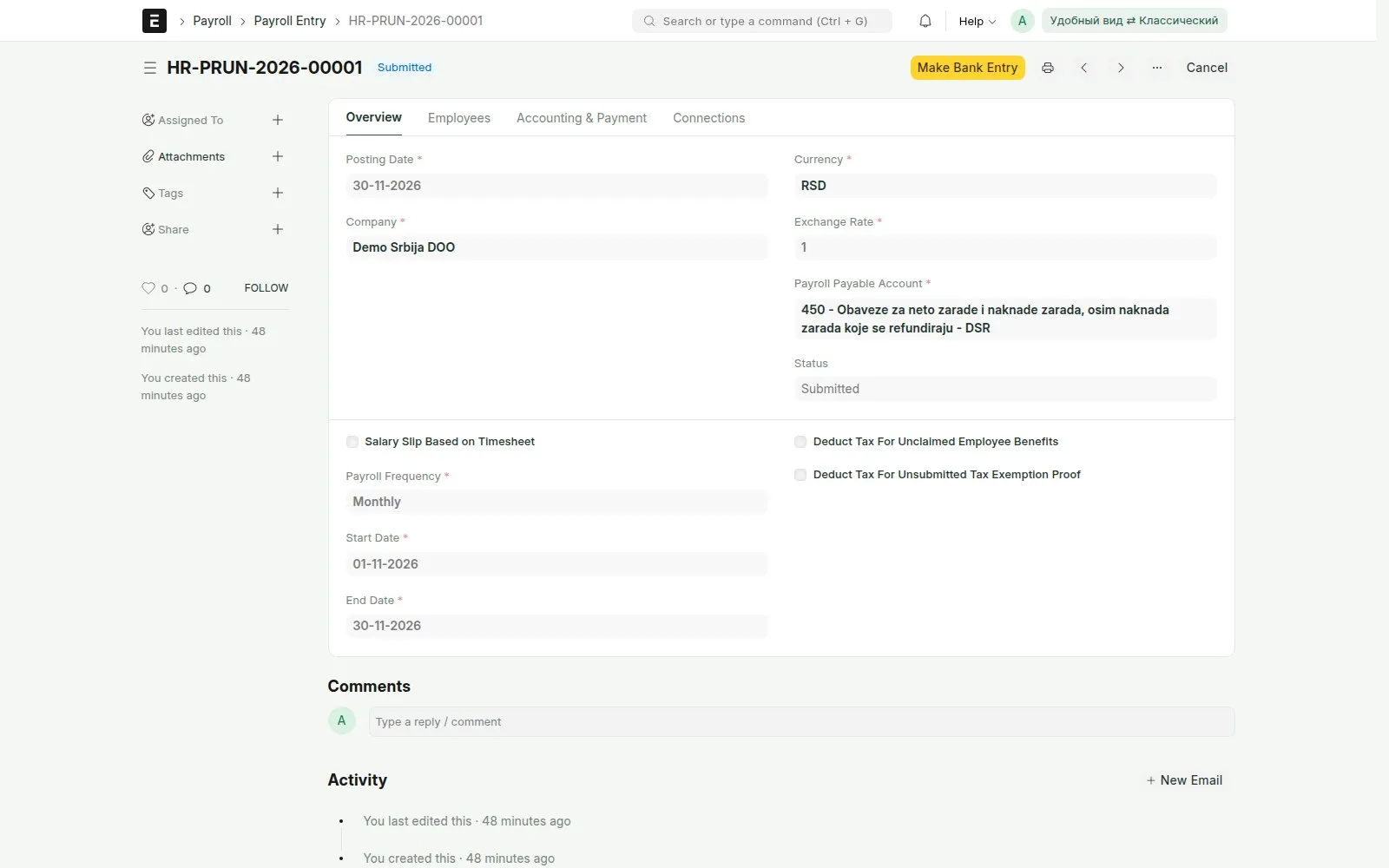
Payroll
Salary, tax and contributions with postings.
- Payslip per employee
- Tax and contributions
- Full Serbian payroll with PPP-PD is in progress
8
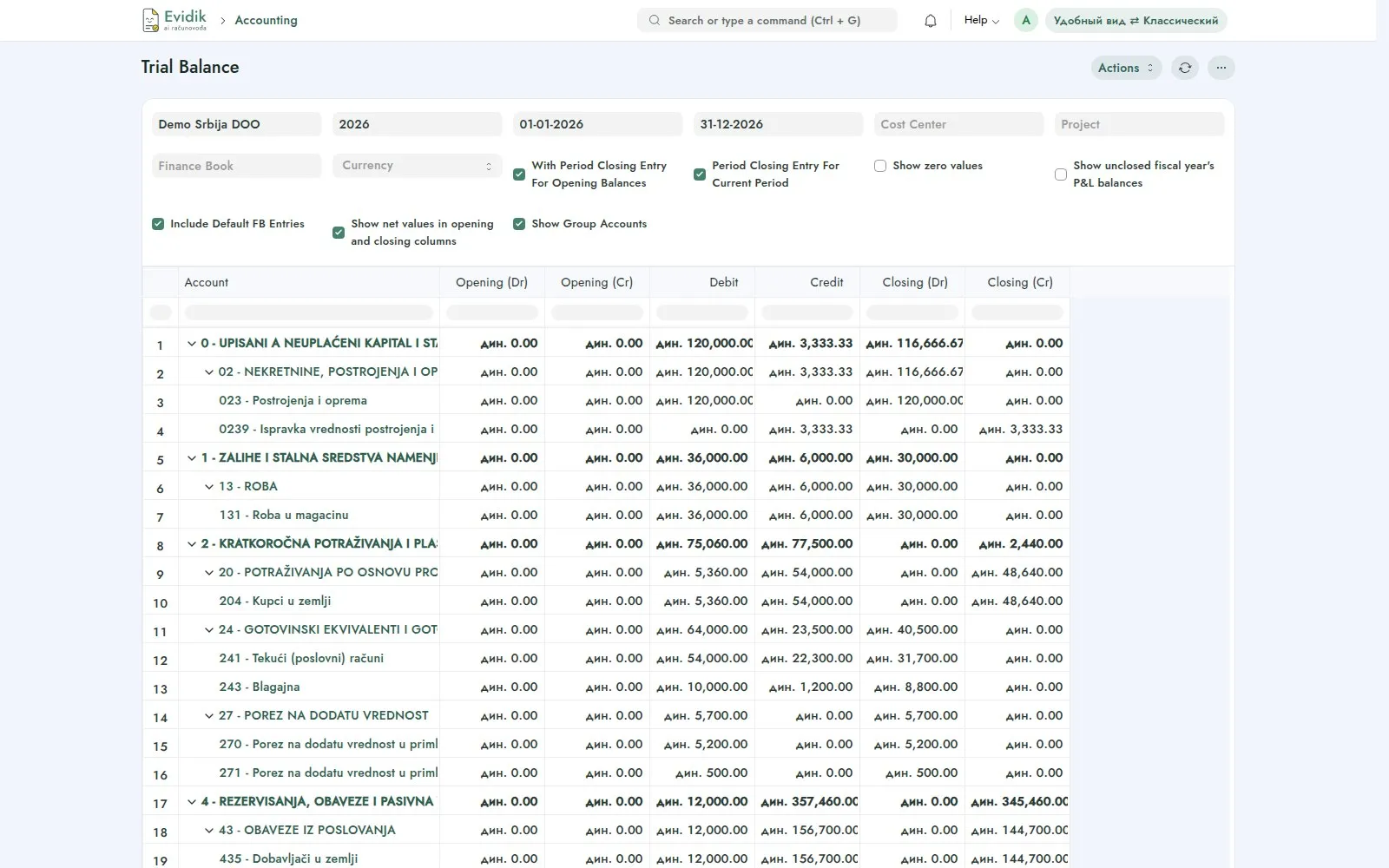
Trial balance
Trial balance for all accounts for any period.
- Opening and closing balances
- Debit and credit turnover
- Totals by account group
9
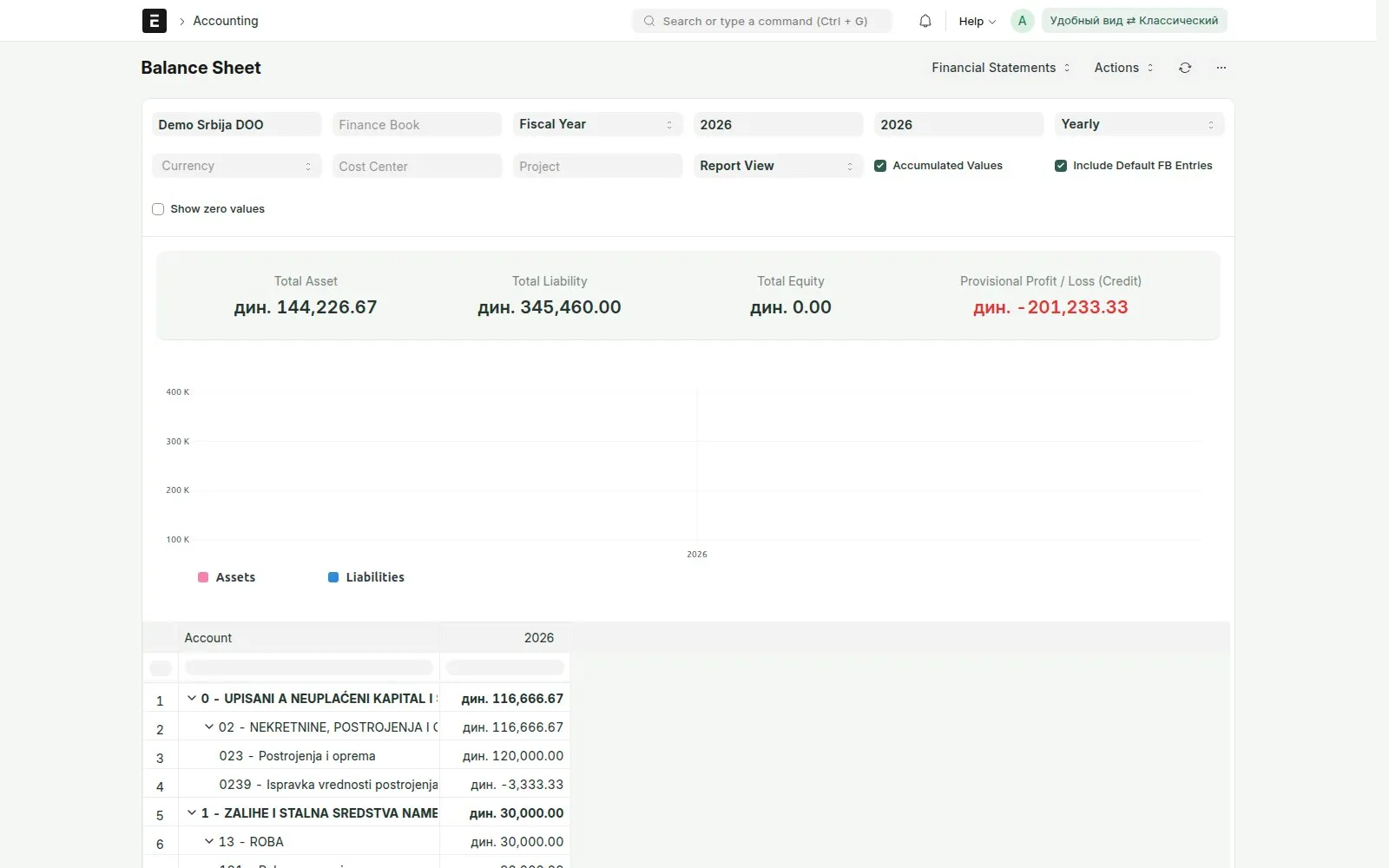
Balance sheet and income statement
Financial statements from the books.
- Assets, liabilities, equity
- Profit and loss for the period
- Monthly chart
10
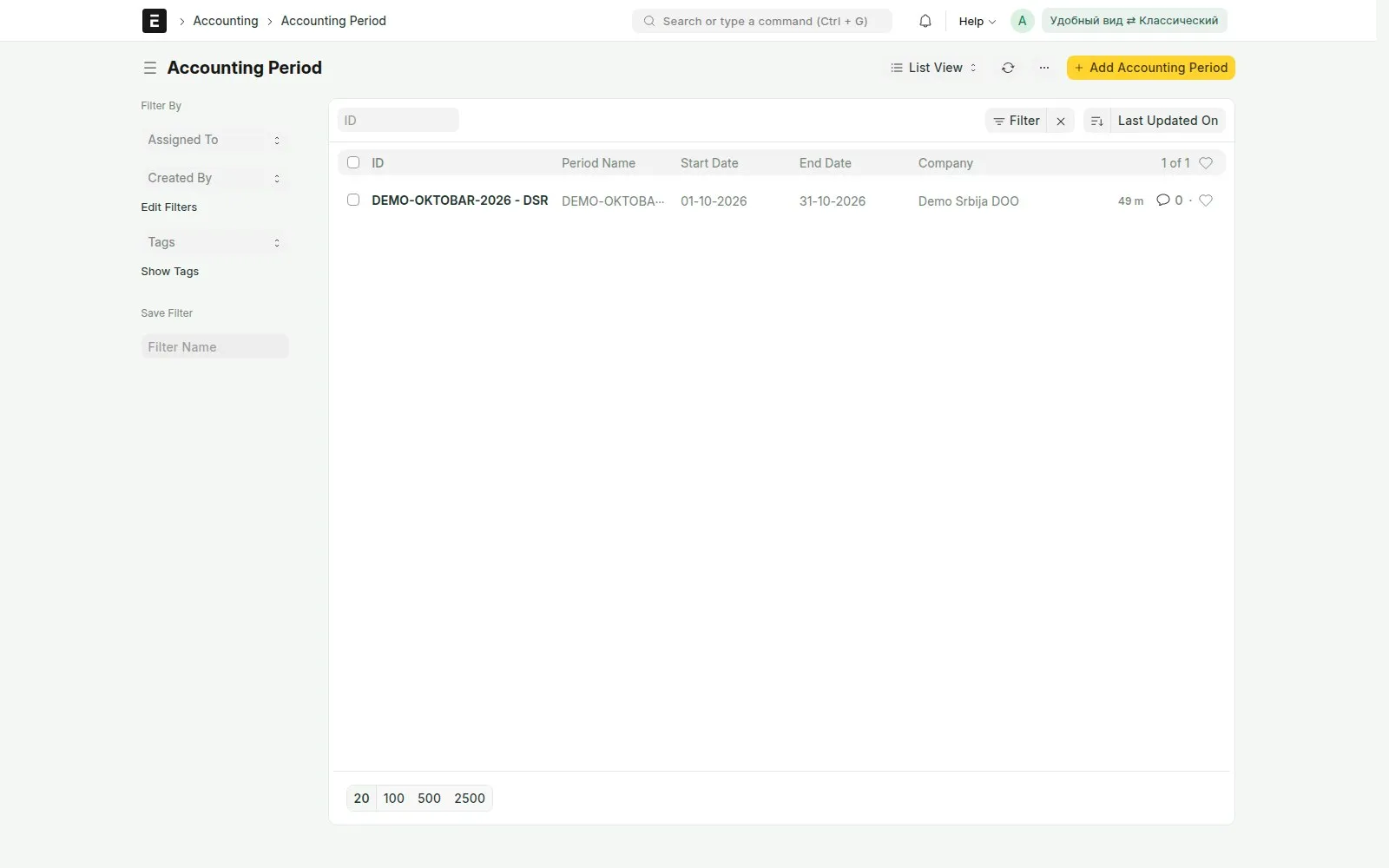
Period closing
After closing, nobody can change documents backdated.
- One button closes the period
- Backdated changes are blocked
- A month-end closing assistant is in progress
Stock
Receipts, write-offs, stocktaking. Stock value matches the books.
Bank and cash
Payments, advances, settlements with customers and suppliers.